  1. Blog
  2. Article

David Callé
30 January 2018

Tutorial: Install Ubuntu on a Chromebook


Chromebooks have gained popularity as relatively inexpensive web-centric laptops. They give access to web-based and native applications through the Chrome store, but what if you want to do more with them?

Installing Ubuntu on a Chromebook gives you more choice and lets you turn a web-centric machine into any other laptop: you can install an IDE to write code, you can install Steam to play games, and of course, it gives you the freedom of the command-line and the wealth of the Ubuntu archive at your finger tips.
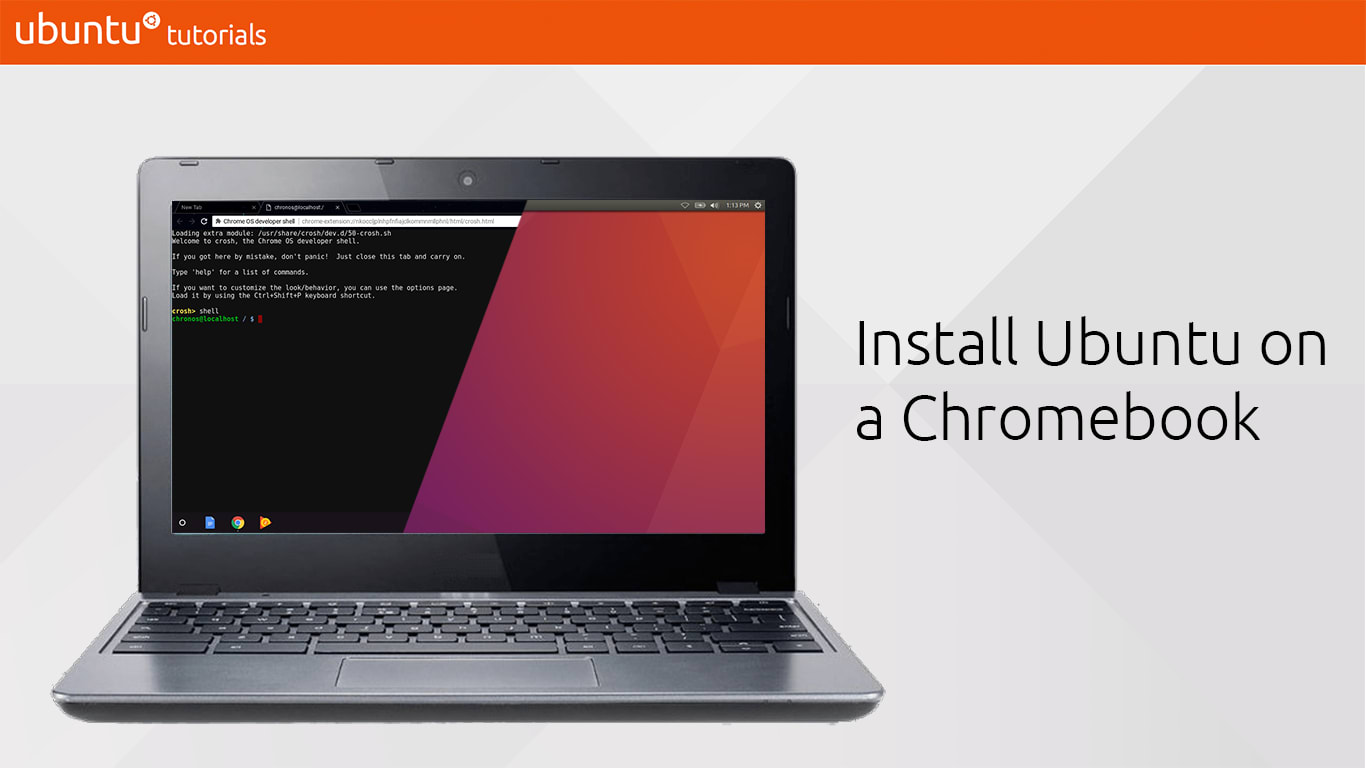
In this tutorial, you will learn how to use crouton (Chromium OS Universal Chroot Envrionment) to create Ubuntu shells on your Chromebook, launch graphical sessions and install apps from the Ubuntu archive.

What you’ll learn

  • How to put your Chromebook into developer mode
  • How to install Ubuntu in a chroot on it
  • Practical and entertaining uses for Ubuntu on Chromebooks

Take The Tutorial


Related posts

DIY chiselled Ubuntu: crafting your own chiselled Ubuntu base image

In a previous post, I explained how we made our Ubuntu image 15 times smaller by chiselling a specific slice of Ubuntu for .NET developers. In this blog, I will provide...

Open source cloud platform: meet OpenStack

Are you looking for an open source cloud platform and you don’t know where to start? Are you getting lost in all the independent rankings and cloud platform comparison pages?...

Let’s build a snap together – a complex snapcraft.yaml walkthrough

It has been a while since we talked about how to build snaps. In the past, we went through a number of detailed examples, focused on different programming languages and the use...

Top 10 apps for a fresh Linux install in 2021

Are you struggling with too much lag? Is it time for a spring clean and a fresh Linux install? Ready to upgrade to Focal Fossa (LTS) or Hirsute Hippo? Whatever situation you...